Paying & transferring
Complete control over your payments
Manage payments quickly, safely, and without surprises. With GoDutch, you stay in control before, during, and after every transfer, wherever you are.
Quickly transfer wherever you are
With GoDutch you manage your payments in seconds. Whether it’s a local transfer within the Netherlands or a payment across the world, you do it directly from one smart business account.
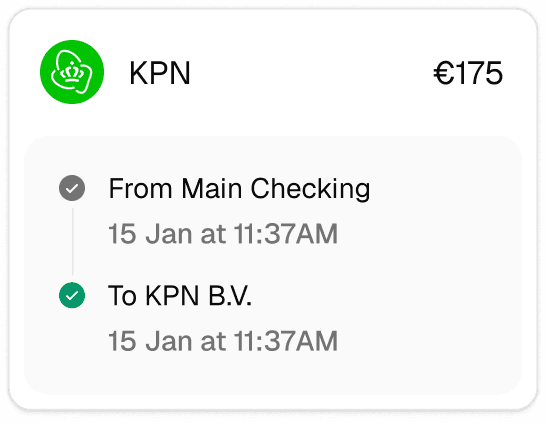
Smarter payments with confidence
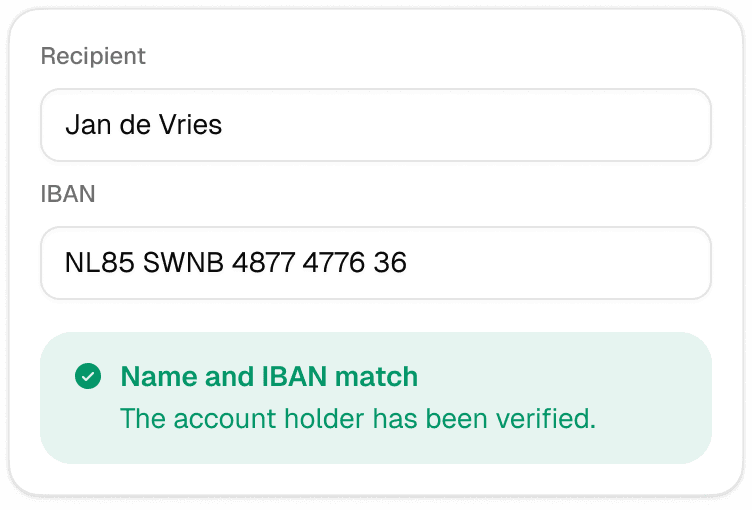
With GoDutch, paying is not only fast but also error-free. Thanks to smart tools like the built-in address book and real-time name checking, you always know your money goes to the right place.
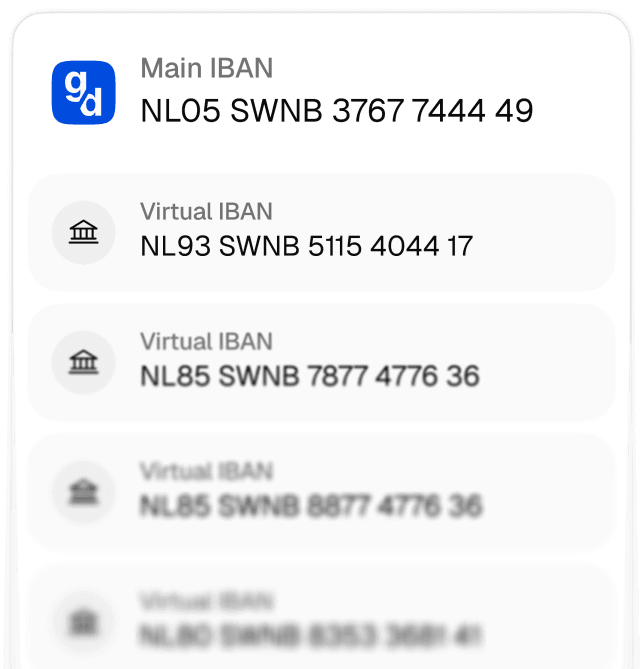
More control over your cash flow
With GoDutch, you manage your payments proactively. Easily initiate direct debits from your own account and organise your cash flows with separate virtual IBANs.
Send money to more than 160 countries
Send international payments easily and securely, with clear costs and no unnecessary delays.



More than just a payment account
GoDutch not only helps you with payments but also provides insights, control, and integrations that make your administration simpler.
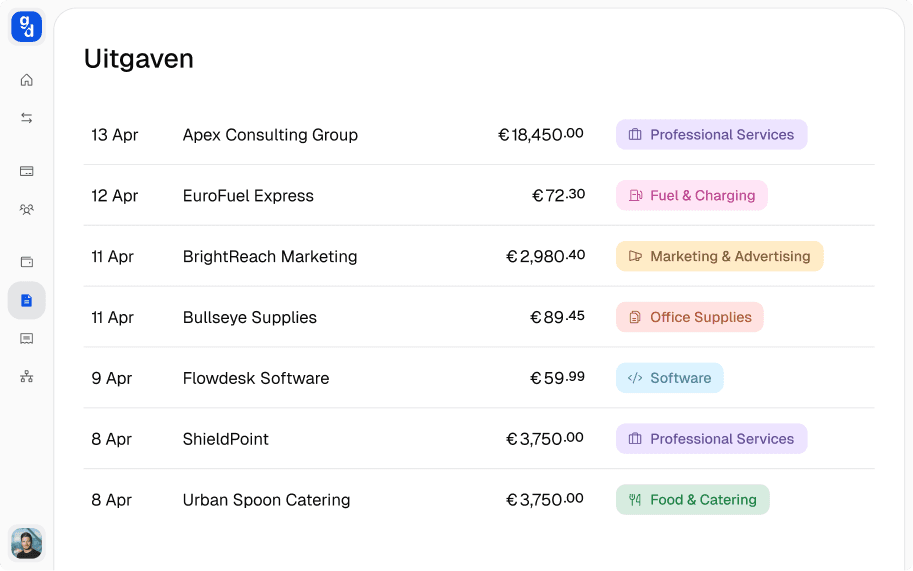
Manage your expenses
See at a glance where your money is going. Categorise expenses, upload receipts, and keep track of your cash flow.
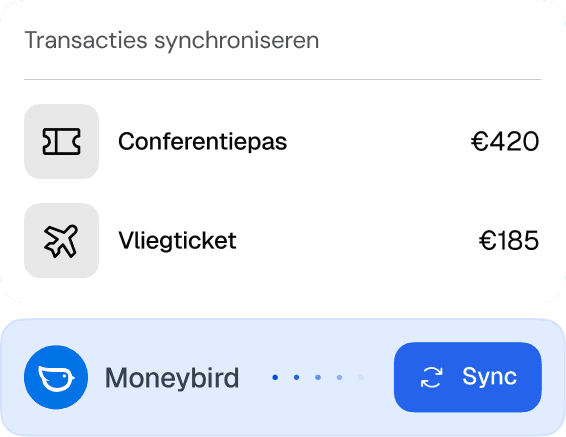
Links with your accounting software
Easily connect GoDutch to your accounting software.
Transactions and expenses are automatically synced.
For daily business
Everything you need to pay and manage
Eliminate manual work and save your team hours every week.

How do business transfers work?
Business transfers work the same as a personal transfer, but from your company's business current account. You enter the recipient's name and IBAN, the amount and a description, and confirm the payment. Within the SEPA area you pay suppliers, freelancers, employees or your own other accounts in euros this way.
A transfer in euros these days usually goes as an instant payment, which reaches the recipient within a few seconds. If that doesn't work, the same payment goes as a regular SEPA transfer and arrives later. You can read exactly how that difference works in the explanation of what SEPA means.
What is the difference between an instant and a regular transfer?
The difference between an instant and a regular transfer lies in speed, availability and what the recipient sees. At a glance:
Speed: an instant transfer reaches the recipient within a few seconds, a regular SEPA transfer by the next working day at the latest.
Availability: instant works 24 hours a day, also at weekends and on public holidays; a regular transfer follows working days.
Certainty for the recipient: with instant, the recipient sees straight away that the money has arrived; with a regular transfer, only after processing.
Reversing: an instant transfer is completed immediately, so you can no longer stop it yourself after confirming.
For most business payments, instant is therefore the logical default. You notice the difference mainly with payments the recipient is waiting for before delivering or continuing work.
When does a transfer not arrive immediately?
A transfer doesn't arrive immediately if it goes outside the eurozone, is in another currency, or if the recipient's provider doesn't receive instant payments. Within the eurozone, providers are now required to receive instant payments in euros, so there that has become the exception.
If a payment goes to a country outside Europe or in a foreign currency, it takes longer. When sending money abroad outside the SEPA area, the payment runs through a different network, you need a BIC code and an exchange rate often comes into play.
How do you schedule business transfers in advance?
You schedule business transfers in advance by setting them up once as a recurring or future order. Fixed payments such as rent, a subscription or the monthly amount for a regular freelancer then go out on the date you choose, without anyone having to remember them.
That saves work, but above all it prevents late payments. A payment that depends on someone's memory will go wrong at some point; a scheduled order simply keeps running.
How do you prevent mistakes in business transfers?
You prevent mistakes in business transfers mainly by not retyping details every time and by checking changes. A few habits help with this:
Use an address book: save regular recipients once, so you don't have to enter their IBAN again for every payment.
Check a new account number: if a regular supplier passes on a different IBAN, call back on a number you already had.
Check the amount on large payments: a misplaced comma or an extra zero is easiest to spot before confirming.
How the name-IBAN check works
The name-IBAN check verifies before your payment whether the name you enter belongs to the recipient's IBAN. Since 9 October 2025, this check has been mandatory for providers in the eurozone, for regular and instant transfers in euros.
You see whether the name matches, almost matches (then you see the correct name) or doesn't match. You then decide yourself whether to go ahead with the payment. So the check doesn't stop a payment, but shows you a typo or a changed account number before the money has gone. That way an invoice on which someone has changed the IBAN also stands out.
Can you reverse a transfer?
You can't reverse a transfer yourself: as soon as you confirm it, the payment is final. If you transferred to the wrong IBAN or the wrong amount, ask the recipient as soon as possible to pay the money back, using contact details you already had.
If the recipient doesn't respond or you can't reach them, contact GoDutch immediately. The sooner you do so, the greater the chance that the money can still be recovered. A direct debit works differently: you can reverse that, and you can read how in the article on stopping and reversing a direct debit.
When do you use a bulk payment for transfers?
You use a bulk payment when you have to make many transfers at once, such as the monthly payments to freelancers or a round of refunds. Instead of entering each payment separately, you upload one file with all the payments and send them in one go.
If it concerns a series of supplier invoices, automatic invoice payment is often more convenient. The invoice details are read for you, so you no longer need to build a file either.
How do business transfers work with GoDutch?
At GoDutch, business transfers work from the same app as your cards and your administration. You save recipients in an address book, the name-IBAN check runs as you fill in the details, and you set up fixed payments as a recurring order.
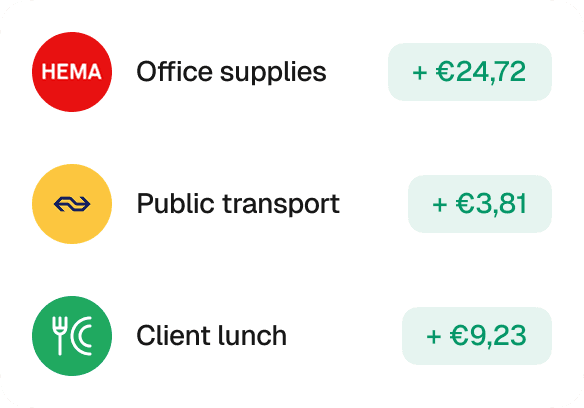
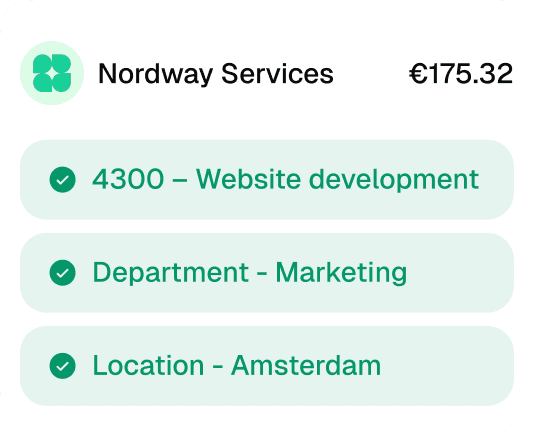
Every transfer then appears straight away in your overview, and through the connection with your accounting software also in your bookkeeping. Want to handle your business transfers from one app? Take a look at the GoDutch business account, opened in 3 minutes.
FAQ
Frequently asked questions
Discover answers to frequently asked questions about our products and services.
What is the maximum amount per transfer?
The maximum amount per instant transfer at GoDutch is €100,000 per transaction. Up to that amount, transfers in euros within the SEPA area are processed instantly by default. For a larger amount, ask in advance how that payment will be processed, so you know when the money will reach the recipient.
What are TARGET closing days?
TARGET closing days are the days on which the European payment system for regular transfers is closed. Besides weekends, these are New Year's Day, Good Friday, Easter Monday, 1 May and both Christmas days. A regular transfer on such a day is only processed on the next working day; an instant transfer goes through as normal.
Can I transfer money between my own accounts?
Yes, you transfer money between your own accounts like any other payment. If you have several companies at GoDutch, such as a holding company and an operating company, you switch between the accounts without logging in again. Within one account you can also divide money across virtual IBANs, for example for VAT or reserves.
What do you put in the description of a business transfer?
In the description of a business transfer you put the invoice number or the reference the recipient has given. That way the recipient can match your payment to the right invoice straight away and you don't get a reminder for something that has already been paid. If you pay several invoices at once, list all the invoice numbers.
What is the difference between a transfer and a direct debit?
The difference between a transfer and a direct debit lies in who starts the payment. With a transfer, you send the money yourself, with the amount and at the moment you choose. With a direct debit, the company collects the amount from your account, based on a mandate you gave earlier.