
Manage & pay
Pay and manage with your business account
Everything you need to pay, manage expenses and keep track of things, without any hassle.
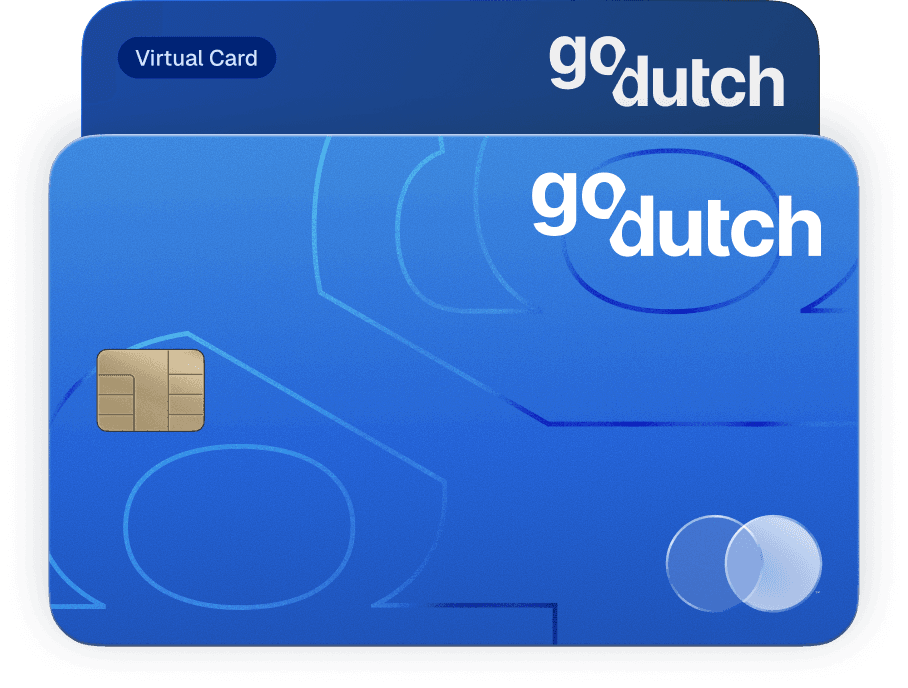
Physical & virtual Mastercards with your business account
With our Mastercards, you can pay safely all over the world and receive cashback on every purchase. Use them yourself or give extra cards to your team.
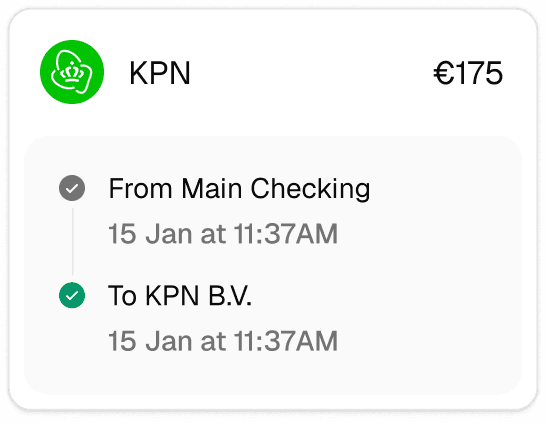
Send money with instant transfers
Send money from your business account with SEPA Instant. Your payment is in the right place straight away. No waiting, no worries.
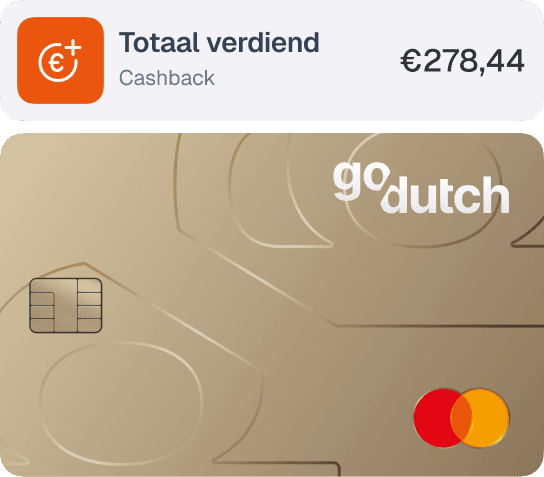
Receive cashback on your expenses
Automatically receive cashback on selected business expenses. This way, you get more out of your payments without any extra effort.
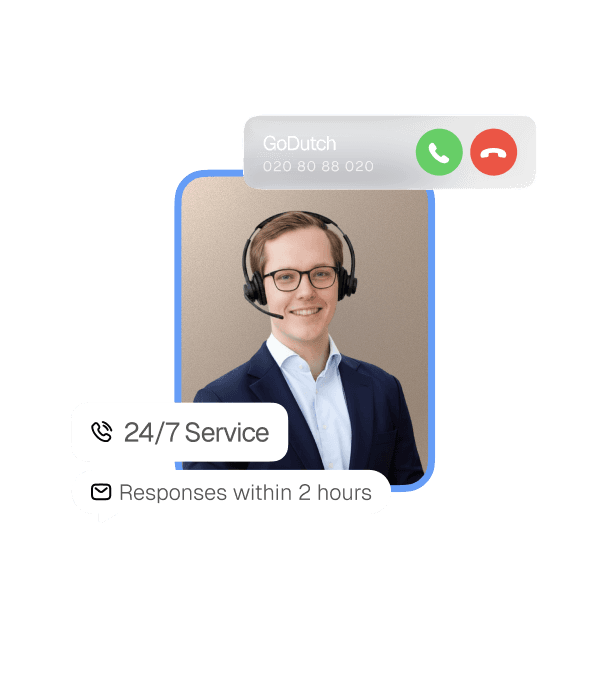
Always available, always real people
We're here for you 24/7. Whether you have a question about your business account or need help opening one, real people are on hand to help you.
Safety
Your money, always safe and protected.
Your money is held separately
GoDutch holds your money in full in a segregated account. You always have access to your funds.
Multi-layer authentication
Your data is secured through multiple layers of protection. Two-factor authentication is enabled by default for added safety.
Fully regulated
GoDutch complies with all relevant laws and regulations and applies the strictest safety standards worldwide. Safety and trust come first.
How to open a business account
Sign up in 3 minutes
Enter your details and scan your passport or driving licence. That's all you need to get started.
IBAN and card within 1 day
You will receive your IBAN and debit card within 1 day. Ready to use straight away, with no extra steps.
Get started straight away
You can make payments, receive payments and automate your administration from one app.


More than just a business current account
The GoDutch business account helps you not only with payments, but also with insight, control and integrations that make your administration simpler.
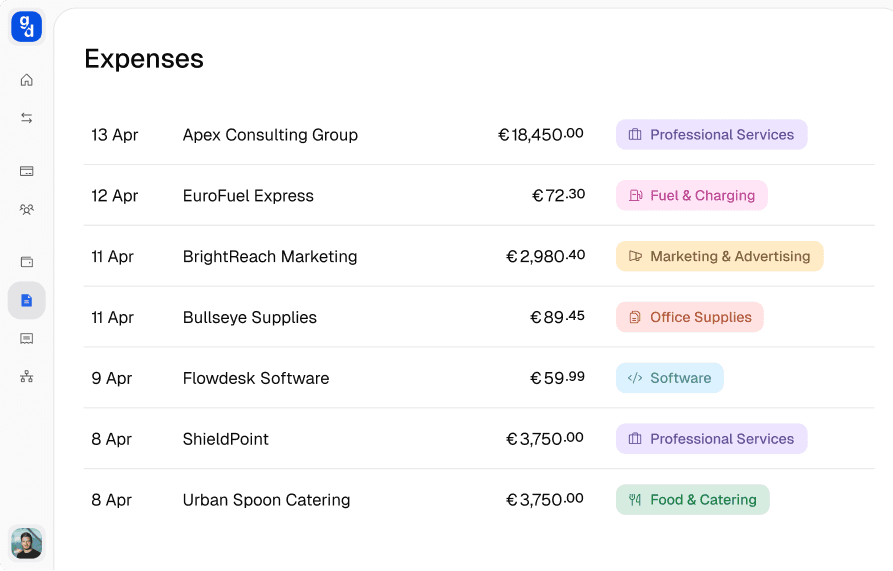
Manage your expenses
See at a glance where your money is going. Categorise expenses, upload receipts and keep on top of your cash flow.
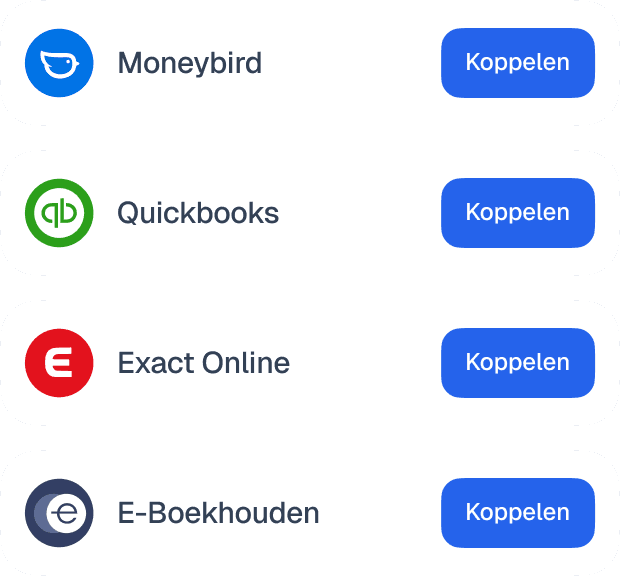
Links with your accounting software
Easily connect GoDutch to your accounting software.
Transactions and expenses are automatically synced.
What do you need to open a business account?
To open a business account you need a KVK number and a valid passport or driving licence. When a company is being registered, the registration through the notary must also be complete before you apply for the account. If your company is already registered with the KVK, you can start the application straight away.
Which details may be added per legal form is covered in the overview of what you need to open an account.
Why does a provider ask for so much information when you open a business account?
A provider asks for so much information when you open a business account because the law requires it to know who it is doing business with. The Dutch Anti-Money Laundering and Anti-Terrorist Financing Act (Wwft) obliges providers to carry out customer due diligence, at the application and for as long as the account runs.
Part of that check is who the ultimate beneficial owners are, the UBOs. A UBO (ultimate beneficial owner) is the person who ultimately owns a company or controls it. How much digging that takes depends on your structure:
Sole proprietorship: the owner is the UBO straight away, so this check is quickly done.
BV with one shareholder: the provider checks the details of the shareholder and the director against your KVK registration.
Several shareholders or a holding: the provider looks through all the layers to the people with ultimate control, which more often leads to follow-up questions.
If a provider asks for extra information, that is not a rejection but a normal part of the process. The fastest application is a complete one: if what you fill in matches your KVK registration, nobody needs to ask you for more.
What costs do you pay on top of the monthly fee for a business account?
On top of the monthly fee for your plan, a business account usually comes with costs per transaction and for one-off actions. At GoDutch those costs are the same in every plan:
SEPA transfer: €0.12 per transfer.
Cash withdrawal: €1 per withdrawal at an ATM within the SEPA area.
Rejected direct debit: €0.40 when an outgoing direct debit fails because of insufficient balance.
Currency exchange: at the mid-market rate.
Inactivity in Free: €5 for a calendar month without transactions, this does not apply in the paid plans.
You pay nothing for the customer check and for opening your account. All amounts exclude VAT. What each of these costs means and when you run into it, you can read in the extended overview of all transaction costs of a business account.
How do you set up your business account?
You set up your business account by deciding who gets access and how you divide your money flows. You arrange both yourself in the app, without forms.
Access for your accountant and team
Every user gets their own login with the rights you decide. How many people you add depends on your plan:
Free: only you as the owner have access.
Starter: you add your bookkeeper, accountant or partner.
Pro: up to 10 team members, with spend management per person.
Max: unlimited team members.
Your bookkeeper can, for example, only view, while a team member with their own card pays within a limit you set. If something changes in your team or board, you adjust the access online right away.
Extra IBANs per money flow
In the paid plans you create extra virtual IBANs next to your main account, for example for a project or a second business activity. This way you see clearly what comes in and goes out per money flow, without opening a separate account.
How do you switch to a GoDutch business account?
You switch to a GoDutch business account by first mapping your payment flows and then moving them over step by step. That way no direct debit or customer payment is left hanging on your old account. Switching takes five steps:
Map your payment flows: list customer payments, fixed costs, subscriptions and direct debits, and look back a few months so you do not miss quarterly and annual payments.
Choose your plan: use that overview to decide how many cards, users and integrations you need.
Open your account: the application takes 3 minutes and within 1 day you have your IBAN and card, while your old account keeps working.
Move your payments: give your new IBAN to customers and suppliers, change your account number with parties that collect from you by direct debit and connect your accounting software.
Finish the switch: keep your old account open for a while and close it once nothing has come in for some time.
Why open a business account with GoDutch?
You open a business account with GoDutch because you want your payments, your team’s access and your administration arranged from one app. If you run into something, real people help you 24/7 by chat, email or phone. Want to start right away? Open your business account with GoDutch and apply for it in 3 minutes.
FAQ
Frequently asked questions about the business account
Whether you want to know what a business account costs, how quickly you can get started, or which business account you need for your legal entity type(s): you’ll find the answers here.
Is a business account mandatory?
A business account is not mandatory for every entrepreneur. As a freelancer with a sole proprietorship or as a general partnership (vof) you can go without, although many providers do not allow business use of a private account. A BV is a separate legal entity and in practice does need its own business account. What applies per legal form, you can read in the article is a business account mandatory.
Can I open a business account without a KVK number?
No, without a KVK number you cannot open a business account with GoDutch. With your KVK registration we check that your company exists and that your details are correct. If you have just registered, you start the application right away with your new KVK number.
Can I open a business account for several entities?
Yes, at GoDutch you open a separate business account for every entity and manage them all under one login. In the app you switch between your accounts without logging in again. That is handy if you have several BVs, a holding structure or different trading activities.
Can I take my current account number to GoDutch?
No, you cannot take your current account number with you, because the Netherlands has no number portability for IBANs. At GoDutch you get a new IBAN in your company’s name. Keep your old account open for a while as you pass on your new IBAN, so you do not miss any payments.
A business account for every legal form
Choose the account that suits your type of business. Each option includes the features most relevant to your business structure.
Freelancer Account
For sole traders and freelancers
SME account
For growing businesses with a team
BV account
For private limited companies
VOF account
For general partnerships
Holding account
For multiple operating companies
Foundation account
For foundations
Association account
For associations
Startup account
For start-up entrepreneurs
