Easy payment
Smart & fast invoice payments from a single workflow


This is how we make paying invoices easier
GoDutch helps you not only with payments, but also with insights, control, and integrations that simplify your administration.

Invoices automatically delivered to your inbox
Send invoices easily or let suppliers email them directly. Everything arrives automatically in one place.

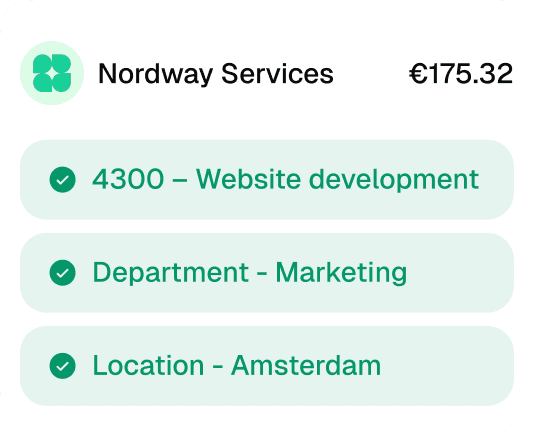
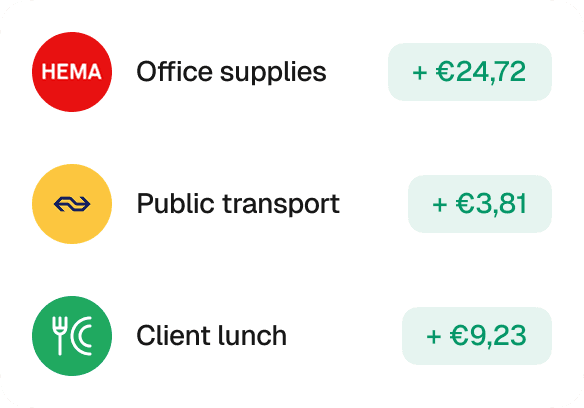
Manage and categorize
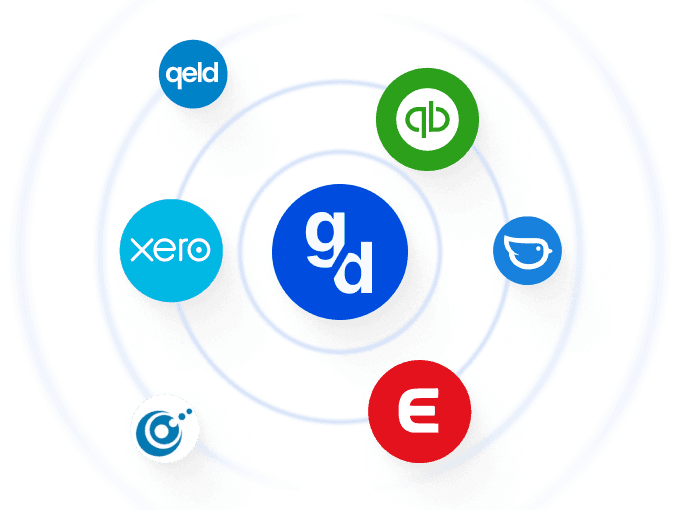
Easily connect GoDutch to your accounting software.
Transactions and expenses are automatically synced.
For daily business
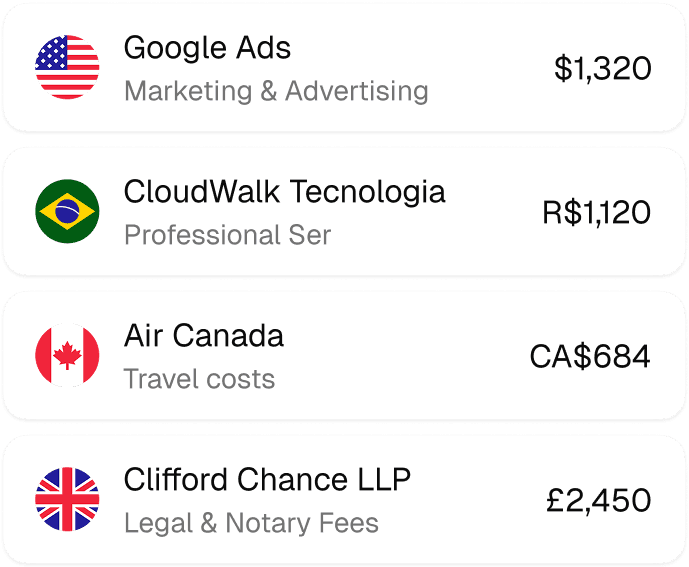
Everything you need to pay and manage
Eliminate manual work and save your team hours every week.


What is automatic invoice payment?
Automatic invoice payment means that incoming invoices are read, prepared and paid at the moment you choose, without retyping. You forward an invoice, the details are copied automatically and the payment goes from the account for your business.
It is meant for supplier invoices that you still retype one by one in your app today. Card payments and the receipts that go with them fall under managing your business spending.
How does processing incoming invoices work?
Processing incoming invoices runs in five steps. If you automate invoice processing, you remove at each step a moment where an invoice gets left lying around or copied incorrectly:
Receiving: the invoice comes in, by email or as a file, and lands in one fixed place.
Reading: supplier, amount, due date and account number are taken from the invoice.
Checking and approving: someone checks whether the invoice is correct and whether the delivery really took place.
Paying or scheduling: the payment goes straight away or on a chosen date, for example just before the due date.
Booking: the invoice and the payment go to the bookkeeping.
GoDutch takes over receiving, reading and paying. Through the integration with your accounting software, the invoice and the payment then end up in your bookkeeping. Checking and approving stay with you.
How do you stay in control when invoices are paid automatically?
With automatic invoice payment you stay in control because you approve invoices and decide when they are paid. Automatic here means that the retyping disappears, not that payments go out unseen.
When paying, GoDutch also checks whether the recipient's name and IBAN match. That way a well-known form of invoice fraud stands out before the money is gone: an invoice in which someone has changed the account number.
Which invoices do you check extra carefully before paying them?
Even when processing invoices is automatic, some invoices deserve a second look before you approve them. Precisely because the retyping falls away, it is good to agree beforehand which invoices you stop and look at:
The first invoice from a new supplier: check that the supplier, the amount and the account number match what you agreed.
An invoice with a different account number than usual: call the supplier back on a number you already had, before you pay.
An amount that differs from what you are used to: a much higher invoice from a regular supplier may be a mistake, or a delivery you did not order.
An invoice without a matching order: if you do not recognise the delivery or service, only pay once it is clear what the invoice is for.
For the rest of your invoices, from regular suppliers with familiar amounts, approving is then a matter of seconds.
How do you keep track of outstanding invoices?
You keep track of outstanding invoices with one place where you see what has come in, what has been approved and what is scheduled. That way you spot duplicate invoices and approaching due dates before something goes wrong, instead of afterwards through a reminder from the supplier.
That overview is the basis of good accounts payable management: you pay suppliers on time, but no earlier than necessary. You see what will leave your account in the coming weeks, so you can spread large payments. If a large invoice comes at a tight moment, you see it in time to agree a different payment date with the supplier.
How does automatic invoice payment work with your bookkeeper?
Automatic invoice payment works with your bookkeeper because invoices and payments are already matched to each other. So your bookkeeper no longer has to ask which invoice belongs to which payment.
You can also give your bookkeeper or accountant their own access to your account at GoDutch. They can then look at invoices and payments themselves, instead of you collecting and forwarding overviews at the end of the quarter.
When do you choose automatic invoice payment and when a direct debit?
Whether you choose automatic invoice payment or a direct debit depends on who starts the payment and how fixed the amount is. Many business owners use both: direct debit for fixed costs, invoice payment for the rest.
Direct debit
A direct debit suits fixed costs from parties you trust, such as energy, phone or insurance. The supplier collects the amount and you do not have to do anything.
You do, however, hand over control of the timing and the amount. With a B2B direct debit you also cannot reverse a debit, and if you want to get rid of it, you have to withdraw the mandate yourself. You arrange stopping a direct debit with the provider of your account or through the company that collects.
Automatic invoice payment
Automatic invoice payment suits supplier invoices with varying amounts, and suppliers that do not offer direct debit. You see the invoice, approve it and decide when it is paid.
That way you also pay invoices you would rather check first, without having to retype amounts and account numbers yourself.
How do you get started with automatic invoice payment?
You get started with automatic invoice payment by having your invoices come in at one place. You set that up in three steps:
Forward invoices: have suppliers send their invoices to your invoice address, or forward them yourself from your mailbox.
Pick a fixed moment: set a fixed day of the week on which you check and approve incoming invoices.
Schedule on the due date: schedule approved invoices on or just before the due date, so you pay neither too early nor too late.
How does automatic invoice payment work at GoDutch?
Automatic invoice payment works at GoDutch by forwarding your incoming invoices to your own GoDutch email address. They are read and categorised automatically, after which you approve them and make or schedule the payment.
All your incoming invoices are then in one overview, in the same app as your account and cards. Want to stop retyping invoices? Take a look at the GoDutch business account, opened in 3 minutes.
FAQ
Frequently asked questions about Automatic Invoice Payment
Discover answers to frequently asked questions about our products and services.
What is the difference between sending invoices and paying invoices?
The difference between sending invoices and paying invoices lies in the direction of the money. Sending invoices is about money you receive from customers, paying invoices about money you pay to suppliers. Automatic invoice payment at GoDutch is meant for the second: reading, approving and paying incoming invoices, without retyping amounts and account numbers.
What is billpay?
Billpay is another word for automatic invoice payment: invoices are read, you approve them and the payment goes at the moment you choose. At GoDutch, billpay sits in the same app as your account, your cards and your accounting integration.
What is the difference with a recurring transfer?
The difference with a recurring transfer is that it always sends the same amount on a fixed date, without an invoice. That suits fixed amounts such as rent. Automatic invoice payment works from the invoice itself, with the amount and due date stated on it. You schedule fixed amounts in advance with business transfers.
What is the statutory payment term for an invoice?
The statutory payment term for an invoice between businesses is 30 days, if you have not agreed anything else with the supplier. If a different term is stated on the invoice or in the agreements, that one applies. If you pay late, the supplier may charge statutory commercial interest and collection costs. If you schedule your invoices on the due date, you will always be within it.
How many invoices can you have paid automatically per month?
How many invoices you can have paid automatically per month depends on your plan. On Starter it is 5 per month, on Pro 25 and on Max unlimited. Automatic invoice payment is not included in the free plan, so you start from Starter.