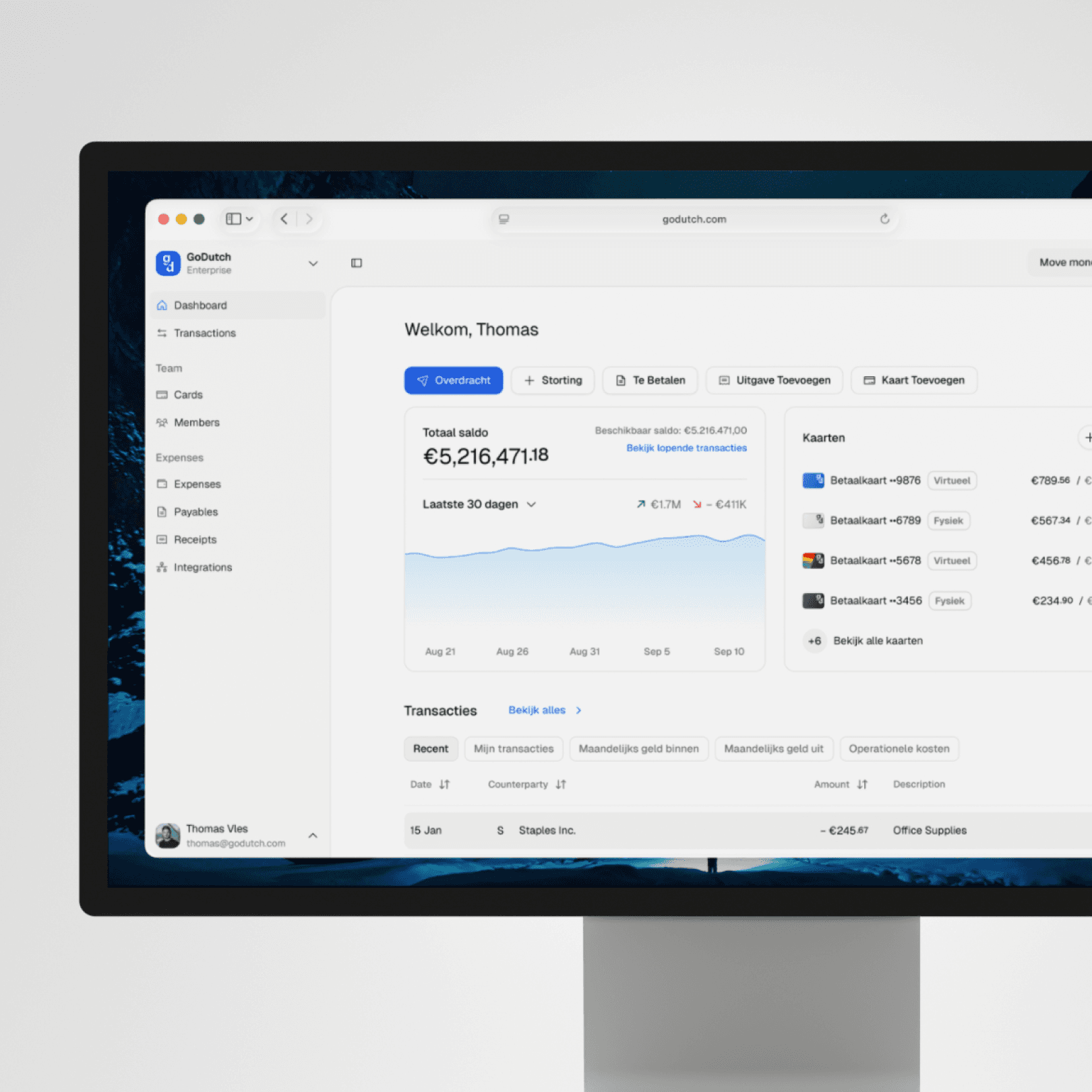
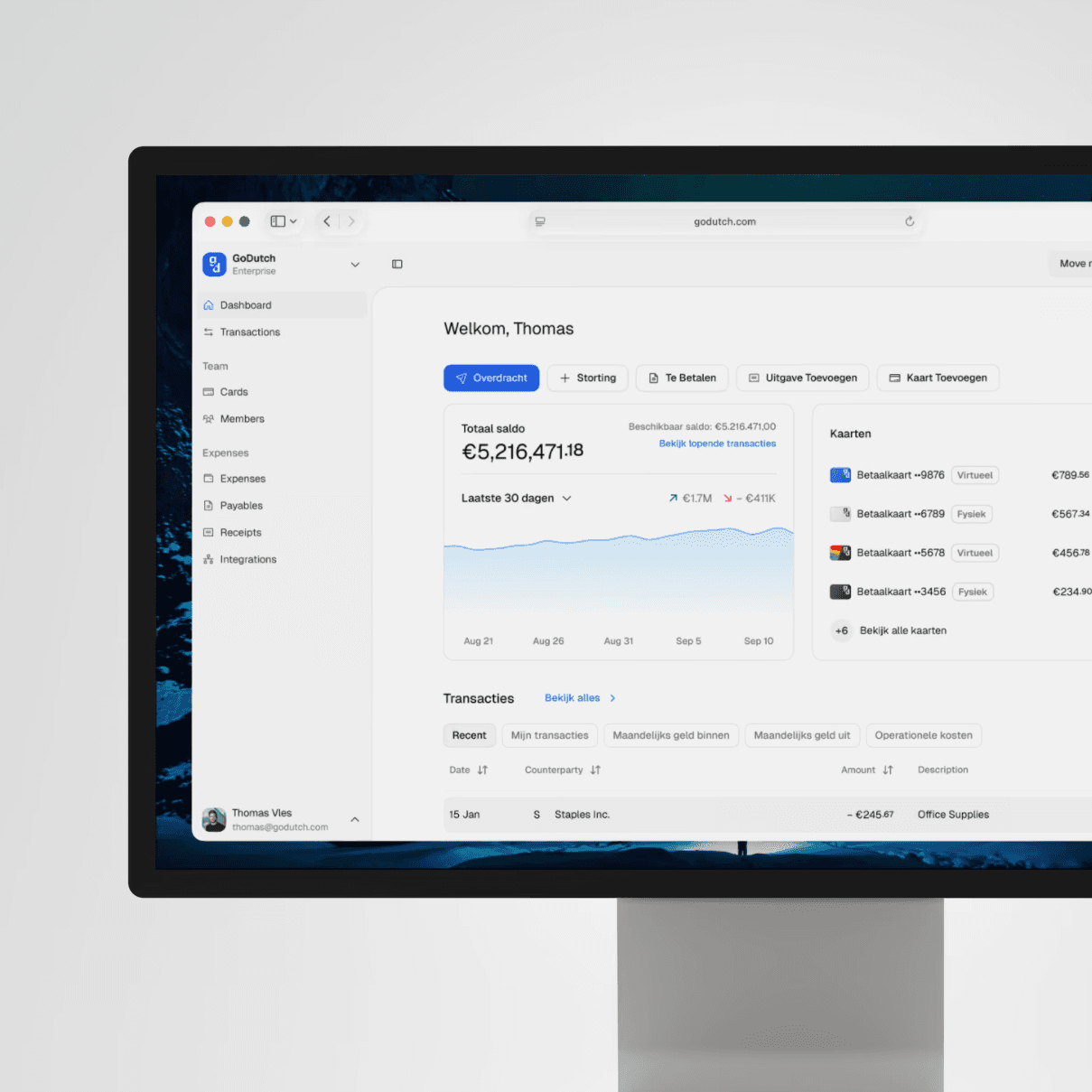
Cards with control for every payment
GoDutch helps you not only pay and receive but also ensures that your financial matters are automatically in order. Without extra tools. Without extra work.
Real-time spend tracking
Track every transaction live and adjust limits instantly. No surprises, just clarity and control.
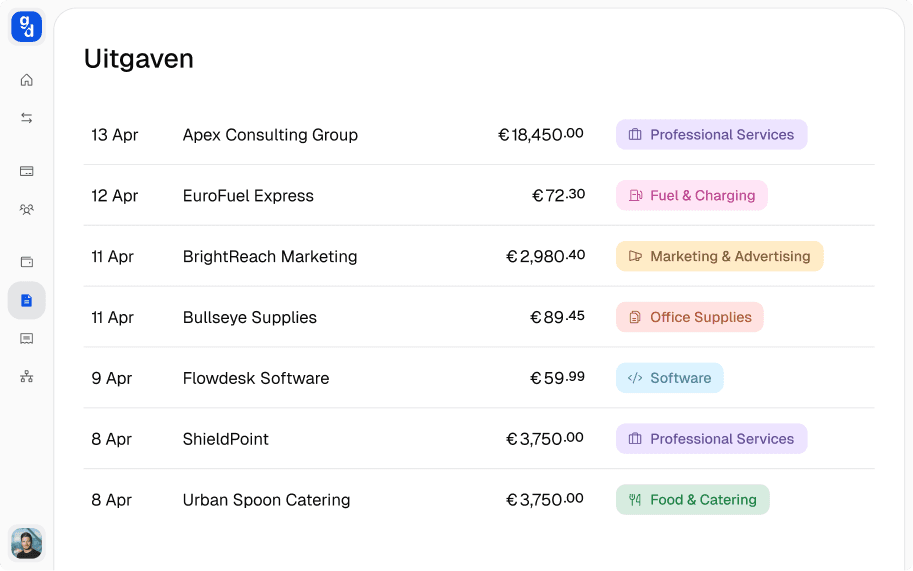
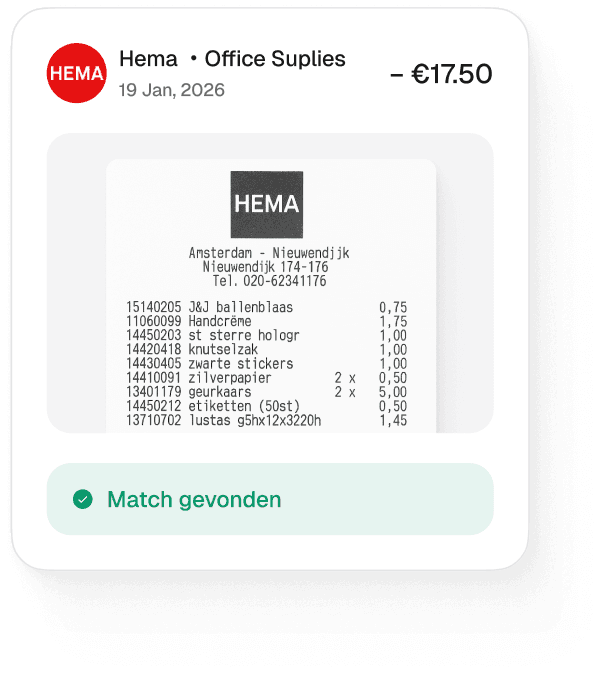
No more paperwork for expenses
Automate your expense process and skip manual entry. Receipts and transactions match up automatically.
Automate your accounting
Connect your favourite accounting tools and unlock real-time insights to make smarter financial decisions.


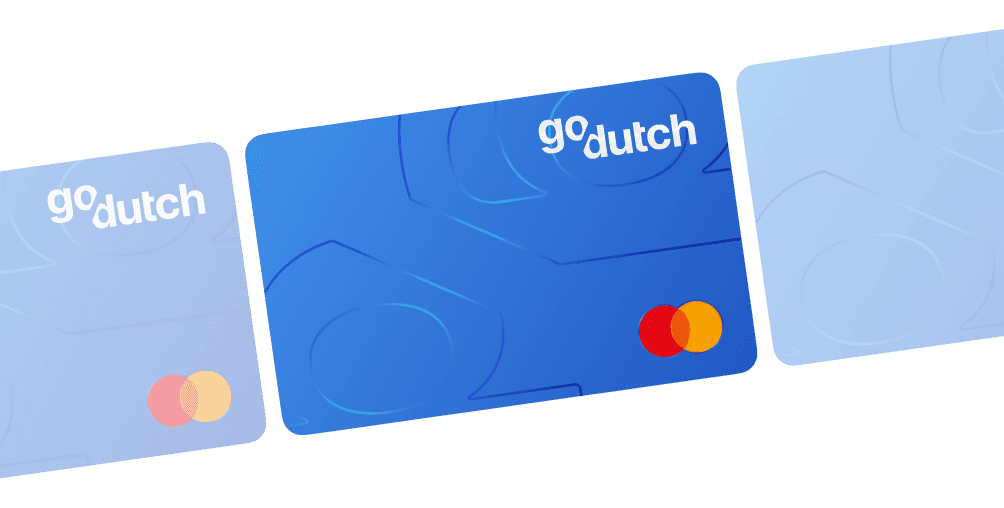
Give everyone in your company their own card, at no extra cost
Whether your team is big or small, GoDutch takes care of everything. Pay securely with physical and virtual debit cards that you control.
Give your team the freedom of business cards
Whether your team is big or small, GoDutch takes care of everything. Pay securely with physical and virtual debit cards that you control.
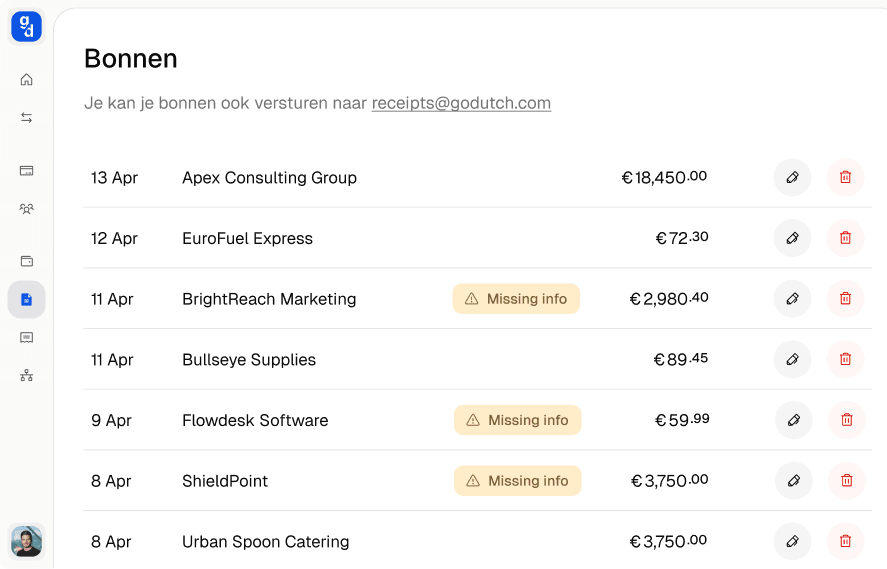
Send receipts by email
Send a receipt or invoice to your personal GoDutch email address and we will process it automatically in your accounts.
Apply for your GoDutch business cards in 3 minutes
Manage business expenses easily with GoDutch cards.
Pay worldwide and keep real-time control over all expenses via one clear dashboard.
Open a free GoDutch account in a few minutes and get immediate access to your dashboard.
Order tickets
Add team members and order physical or virtual business cards for your company straight away.
Managing expenses with GoDutch
Pay with your cards and get real-time insight into spending. No more expense claims and an automatic overview for your accounting.
What is expense management?
Expense management is keeping control of what your business spends before it ends up in the bookkeeping: who is allowed to spend what, where the receipt is and how much has already gone this month. It starts where your payments come from, your business account and the cards attached to it.
The difference with bookkeeping lies in the timing. In bookkeeping you process expenses afterwards, often per month or quarter. Expense management happens beforehand and during the month: agreements determine what is possible, and every payment is visible the moment it is made.
What is the difference between expense management and expense claim management?
The difference between expense management and expense claim management lies in which costs you manage. Expense claim management covers costs that employees pay out of their own pocket and then claim back, such as a train ticket or a lunch with a client. Expense management is broader: it also includes card payments, subscriptions and all other business expenses of your company.
Giving employees their own card makes much of expense claim management unnecessary. There is then little left to pay upfront and claim back, because the expense comes straight from the company's account and the receipt belongs with the payment.
What are the parts of good expense management?
Good expense management rests on four parts, which together make the difference between a monthly catch-up and a daily overview:
Real-time insight: you see every expense the moment it is made, not only on the statement.
Cards with limits: everyone who makes business payments has their own card with a limit that fits their role.
The receipt with the payment: a receipt you scan or forward straight away doesn't get lost and doesn't need to be searched for later.
Connection with your bookkeeping: expenses and receipts go to your accounting software automatically, without retyping.
If one of the four is missing, that is exactly where the manual work arises. Without limits, a conversation about spending follows afterwards; without a receipt routine, a search; and without an automatic connection with your accounting software, someone still retypes everything.
How does an expense claim work?
An expense claim works like this: an employee first pays a business expense themselves, then submits an overview with the receipt, and gets the amount back from the company. Such a claim contains at least:
Date and amount: when the expense was made and how much it cost.
Business purpose: what the expense was for, for example a client visit or materials for a project.
Receipt or invoice: the proof of payment, preferably showing the VAT.
Name of the employee: so it is clear who the amount is paid back to.
You may reimburse an employee for business costs they paid upfront tax-free, as long as you keep the receipt; the Dutch Tax Administration calls these reimbursed expenses (intermediaire kosten). Still, every claim takes work: the employee waits for their money and someone has to check it and transfer it. With their own card for anyone who often incurs business costs, claims are left only for what can't be paid by card, such as mileage in their own car.
How do you set up a spending policy for your team?
You set up a spending policy for your team by agreeing in advance who may spend what, up to what amount and how the expense is accounted for. Expense management only works once those agreements are in place. With these four agreements you put it in place:
Hand out cards: give everyone who regularly incurs business costs their own card, so every expense is linked to a person.
Set limits: set a limit per card or per team member that fits what that person normally spends.
Define business costs: agree which expenses are and aren't allowed on the card, such as travel and software yes and private groceries no.
Agree on a receipt routine: a receipt is scanned or forwarded straight after the payment, not at the end of the month.
When do you need separate expense management software?
You need separate expense management software when your expenses are part of a larger purchasing process. Think of purchase orders, budgets per department and approval rounds across several layers: then a separate purchasing or spend management system makes more sense.
Separate expense claim software can also be useful when many employees incur costs that can't be paid by card, such as mileage allowances for their own car. For most freelancers and SMEs, a separate package mainly adds an extra integration and an extra subscription, while your account, cards and receipts can already be in one place.
What should you look for in expense management software?
In expense management software you don't look at the number of features, but at how well the parts fit together. That applies to a separate package and to expense management built into your account. Ask yourself these questions:
Cards and expenses in the same system: are the cards used for payments in the same overview as the expenses, or do you have to connect two systems?
Adjust limits yourself: can you change a limit straight away when someone goes travelling, or do you have to contact the provider for that?
Receipts matched automatically: is a receipt matched to the right transaction by itself, or do you have to assign it manually?
Connection with your accounting software: does the solution support the software your bookkeeper uses?
Access for your bookkeeper: can your bookkeeper or accountant see everything themselves, without you having to put together overviews?
The more of these points are in one system, the fewer connections need to run between your account, your cards and your administration.
What does good expense management bring at month-end close?
At month-end close, good expense management mainly saves time: your bookkeeper receives all expenses complete and with receipts, without lists of missing receipts or questions about what a payment was. The bigger your team, the bigger that difference, because nobody has to reconstruct other people's expenses afterwards.
At GoDutch you give your bookkeeper their own access, so they can view transactions and receipts themselves. The first month-end close is when you notice it: instead of a folder of receipts and a pile of questions, everything is already together.
FAQ
Frequently asked questions
Discover answers to frequently asked questions about our products and services.
Can you keep receipts digitally?
How long do you have to keep receipts?
What is the difference between expense management and spend management?
Can you track expenses per project?
What do you do with the card of an employee who is leaving?

The account that saves you time and money
