What is contactless payment?


Contactless payment is paying by briefly holding your debit card, phone, or smartwatch near the payment terminal, without inserting the card. The payment is made via NFC technology and is completed within a few seconds, usually without a PIN. For small amounts, you don't need to enter anything, making contactless payment quick and easy.
How does contactless payment work?
Contactless payment works with NFC, a technology that exchanges data wirelessly over a few centimetres between your payment method and the payment terminal. You hold your card or phone close to the reader, the terminal reads the chip, and the payment is processed securely. Within a second, you will hear a beep and the confirmation will appear on the screen.
The technology is based on international standards, meaning contactless payment works the same way worldwide for all card brands. Your actual card number is not shared: each transaction receives a unique, one-time code that has no value afterwards.
You can recognise compatible cards and terminals by the wavy symbol that resembles a Wi-Fi sign. Contactless is now the norm at the checkout: in the Netherlands, approximately 93% of all debit card payments are made this way. The rest are contact-based, where you insert your card and key in your PIN.
What is NFC in contactless payment?
NFC stands for Near Field Communication and is the wireless technology behind contactless payments. The chip in your debit card, phone or smartwatch is read by the payment terminal at a maximum of a few centimetres, so you really have to hold your means of payment very close to the reader. The standard behind NFC is the same worldwide, meaning your card or phone works the same way both at home and abroad.
What can you use for contactless payments?
You can make contactless payments using various payment methods: a debit card, a credit card, your phone or a smartwatch. As an entrepreneur, you use the card or phone linked to your business account for this. Below you can see how it works and what to look out for per payment method.
Contactless payment with your debit card
Contactless payment with your debit card is automatic as soon as you have used the card with a PIN for the first time. The physical card has an NFC antenna: you hold it against the terminal and the payment is complete. A credit card with the contactless symbol also works in the same way.
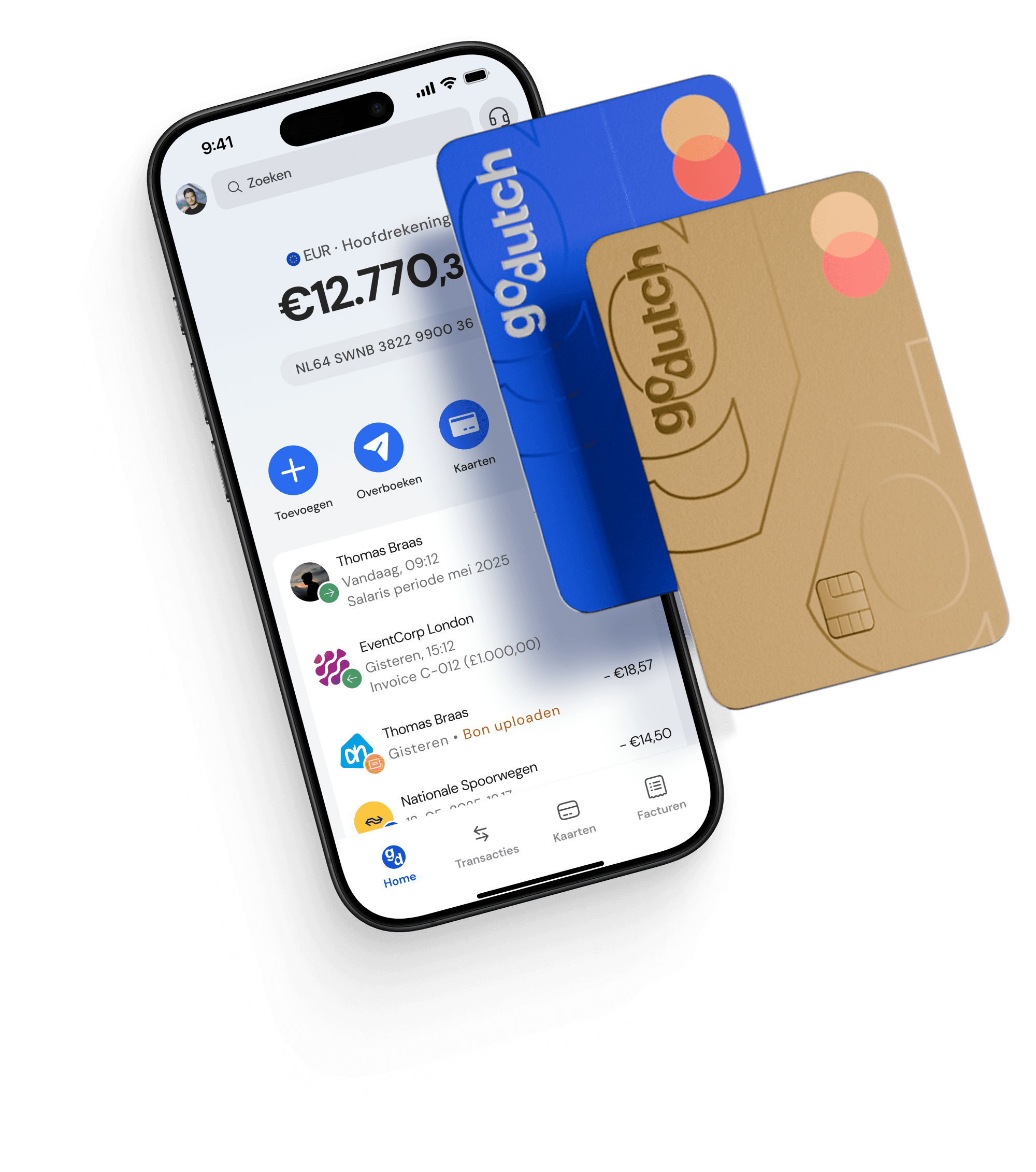
A business Debit Mastercard has the contactless function as standard, in addition to a chip and a magnetic stripe for terminals without a chip reader. No new Maestro cards have been issued since July 2023, meaning that the debit card is increasingly a Mastercard.
Contactless payment with your phone
Contactless payment with your phone is done via a wallet app such as Apple Pay or Google Pay. You link your card once in the app and then pay with a tap against the terminal, confirmed with your fingerprint or facial recognition. Payment by phone has grown strongly: in the Netherlands, card payments are now made more often without a card than with a card for the first time.
Because you unlock your phone, you do not need to enter a PIN on the terminal, even for larger amounts. Linking your Debit Mastercard to Apple Pay or Google Pay takes a few minutes, and your phone then uses a token instead of your real card number.
Contactless payment with your smartwatch
Contactless payment with your smartwatch works just like with your phone, via the wallet app on the watch. You activate the card once, and as long as you are wearing the smartwatch you pay with a tap against the terminal, without your wallet or phone. Other wearables with an NFC chip also support contactless payment.
What is the limit for contactless payments?
The limit for contactless payment with a card is €50 per transaction without a PIN; above that amount you always enter your PIN. Additionally, a cumulative safety limit of €100 applies: if consecutive contactless payments without a PIN together reach €100, the terminal will still ask for your PIN.
That counter is not a daily or weekly limit, but continues to run until you enter your PIN once. You don't have to configure anything yourself, it happens automatically and limits the damage if your card is stolen.
These limits apply to the physical card. If you pay with your phone or smartwatch, you confirm each payment with biometrics, meaning those limits do not apply there in the same way.
Is contactless payment safe?
Contactless payment is just as secure as a regular debit card payment, and in some aspects, even more secure. Each transaction is encrypted with a one-time code and your actual card number is never shared with the merchant. Since you do not enter a PIN code for small amounts, no one can secretly watch it.
Pickpocketing with a contactless card is also hardly rewarding: a maximum of €50 can be paid per attempt, and after €100 the PIN code is required anyway. A payment always goes through a certified payment terminal, so reading your card from a distance yields nothing.
With your phone or smartwatch, biometrics are always required in any case. If you lose your card or phone, fraudulent contactless payments without a PIN code are reimbursed by your bank or provider. In case of loss, block your card immediately in the app and check your transactions regularly.
Why is contactless payment not working?
Contactless payment does not always work, usually due to a setting or the security limit. The most common causes are:
NFC is turned off: NFC must be enabled on your phone; turn it on in the settings.
Card not yet activated: a new card only works contactless after you have used it once with your PIN.
Limit reached: above €50 per transaction or €100 cumulatively, the terminal will ask for your PIN.
Too far from the reader: hold your card or phone within a few centimetres of the terminal.
If it still does not work after that, the payment terminal may not support contactless or there may be insufficient balance. In that case, insert your card into the terminal and enter your PIN.
Accepting contactless payments as a business owner
Receiving contactless payments as a business owner is possible with any modern payment terminal, as they support NFC by default. Your customers tap their card, phone or smartwatch against the terminal and the payment is received instantly. They pay with any card brand or with wallets like Apple Pay and Google Pay, just as they are used to.
Since 2023, you can also receive contactless payments in the Netherlands without a separate terminal using tap-to-pay. Via an app from a payment partner, your phone itself becomes a payment terminal, allowing you to accept contactless payments anywhere without extra hardware. This method is called SoftPOS and is convenient at a market, during delivery or at a pop-up location.
FAQ
Frequently asked questions about contactless payment
What does the contactless symbol mean?
The contactless symbol is the wavy sign that looks like a Wi-Fi icon on its side. You can find it on your debit card, phone, or at the payment terminal. If you see the symbol on both your payment method and the terminal, you can pay contactlessly there.
How do you turn contactless payment on or off?
Contactless payment with your debit card is automatically enabled after you have used the card with a PIN code for the first time. You can usually enable or disable this in the app of your bank or provider. For your phone, you activate contactless payment in the wallet app, such as Apple Pay or Google Pay.
Can you make contactless payments abroad?
Yes, contactless payment works abroad wherever you see the contactless symbol or the logo of your card brand. The technology is based on a worldwide standard, so your card or phone works the same way as in the Netherlands. Please note any possible fees for payments outside the eurozone.
What is the difference between contactless and contact-rich chip and PIN payments?
With contactless payment, you hold your card or phone against the machine, whereas with contact payment you insert the card and always enter your PIN. Contactless is faster and, for small amounts, does not require a PIN. You use contact payment, for example, for amounts over €50 or out of personal preference.
How much does contactless payment cost?
Contactless payment costs you as a payer nothing extra: it works exactly like a regular debit card payment and you pay the same amount. For businesses receiving payments, transaction fees do apply, just like with a normal card payment.
Do you need to unlock your phone to make a contactless payment?
Yes, to make a contactless payment with your phone, you unlock it with your fingerprint, facial recognition or code, even for small amounts. This extra step replaces the PIN code on the terminal and actually makes paying with your phone secure. Without unlocking, the payment will not go through.