Creating an invoice


Creating an invoice is more than putting an amount on paper: the Dutch Tax Administration (Belastingdienst) sets requirements for what must be on it, for the numbering and for the moment you send it. If you do not meet them, your client cannot deduct the VAT, and neither can you.
Below you can read when you need to invoice, how to structure the invoice, what is best to create it with and what changes now that e-invoicing is on its way.
When do you need to issue an invoice?
You must issue an invoice as soon as you supply to another entrepreneur or to a legal entity. If you supply to a private individual, an invoice is usually not mandatory, although you are always allowed to send one.
The timing is fixed: you send the invoice no later than the fifteenth day of the month following the month in which you delivered. So if you deliver in March, the invoice must go out by 15 April at the latest.
If you fall under the small businesses scheme (kleineondernemersregeling, KOR), you do not charge VAT and lighter requirements apply. Your client then cannot reclaim any VAT either, so state clearly why there is no VAT on the invoice.
How do you create an invoice?
You create an invoice in four steps: you add the mandatory details, you give it a sequential number, you calculate the VAT per line and you agree on a payment term. That order works whether you use a template or an online tool.
Add the mandatory details to your invoice
The mandatory details are the basis of every invoice. The core consists of:
Your company details: name, address, VAT identification number and Chamber of Commerce (KVK) number.
Your client's details: name and address of the organisation you supply to.
An invoice date and invoice number: the date on which you invoice and a unique number.
The delivery date: the day on which you delivered the product or service.
A description with quantities: what you delivered and how many hours or items.
The amounts: the amount excluding VAT, the VAT rate, the VAT amount and the total.
The full list with all exceptions can be found in our article on what must be on an invoice.
Choose a sequential invoice number
Your invoice number must be sequential, without gaps in the series. The Dutch Tax Administration uses that series to check whether you have declared all your turnover, so a missing number raises questions.
Use a fixed format, for example a year followed by an ascending sequence number. If you start again at 001 every year, make sure the year is part of the number so the series stays unique.
Calculate the VAT per invoice line
You calculate the VAT per invoice line, not on the total. This is necessary because lines can have different rates: 21 percent as standard, 9 percent for some products and services, and 0 percent for certain supplies abroad.
At the bottom you add up the lines to a subtotal, below that comes the VAT amount and below that the total including VAT. If you reverse-charge the VAT to your client, you put "btw verlegd" (VAT reverse-charged) on the invoice together with your client's VAT number.
Agree on a payment term
You agree on the payment term in advance and state it on the invoice. If nothing has been agreed, the statutory term is thirty days.
Businesses may agree among themselves on a longer term of up to sixty days, provided this is recorded and does not work out unfavourably for the supplier. If you supply to a large company as a freelancer (zzp'er) or SME, thirty days is the maximum and no deviation is allowed. Government bodies must also pay within thirty days.
What can you use to create an invoice?
You can create an invoice with a word processor, with invoicing software or directly from your business account. The difference is not in how the invoice looks, but in how much you have to keep track of yourself.
Word or Excel: you fill in a template manually and keep track of the numbering, the VAT and the payment status yourself.
An online invoicing tool: numbering and VAT are handled automatically, but your records are separate from your account.
Accounting software: invoices and bookkeeping are in one package, with a connection to your account.
Your business account: you create and send the invoice in the same place where the payment comes in.
Working manually mainly goes wrong on three points: a number you skip, a VAT amount you recalculate incorrectly and an invoice for which you no longer know whether it has been paid.
Can you create an invoice for free?
Creating an invoice for free is certainly possible. A completed template that you save as a PDF complies with the law, as long as all the mandatory details are included.
Many online tools also offer a free version. Pay attention to what you give up: sometimes the provider's logo appears on your invoice, sometimes there is a limit on the number of invoices per month, or the overview of paid and outstanding invoices is not included.
The real cost of invoicing for free usually lies in your time. Manually laying out, numbering and checking ten invoices a month quickly costs you more than the software that does it automatically.
What are the benefits of creating invoices online?
Creating invoices online mainly saves time and gives certainty. Your details are set up once, the invoice number continues automatically and the VAT is calculated per line, which eliminates the most common mistakes.
You also see in one overview what is outstanding, what is due soon and what has already been paid. With a manual template you have to keep track of that yourself in a second file, and that is exactly where things go wrong in practice.
A practical advantage: sending an invoice from your phone is possible with an online tool, but not with a Word template. Handy if you have just finished the job and are still on site.
How do you send invoices to your client?
In practice, you send invoices by email, as a PDF. That format cannot be edited and is easy to archive, and your client can forward it straight to their accounts department.
Add a payment option if possible. An invoice with a payment link or QR code gets paid faster than an invoice where your client has to type over the account number and the invoice number themselves.
Keep every invoice you send for seven years, because that is the retention obligation for your records. For data relating to real estate, that period increases to ten years.
Will you soon have to send invoices electronically?
Sending invoices electronically will become mandatory step by step in the coming years. Towards the Dutch government it already is: anyone who supplies to central government sends their invoice via the Peppol network.
For business clients among themselves, that obligation does not yet apply in the Netherlands. The European ViDA directive makes e-invoicing mandatory for cross-border B2B transactions from 1 July 2030, and the Netherlands is working on a broader obligation based on Peppol with a phased introduction in the years after that.
You already notice it now if you supply across the border. Belgium has required Peppol for business invoices since 1 January 2026, France follows in September 2026 and Germany has a phased obligation in 2027 and 2028. As a result, Belgian and French clients are already asking for a real e-invoice.
An important difference: emailing a PDF is not e-invoicing. With a real e-invoice, you send a structured file that your client's system reads in automatically, without anyone typing over details.
Creating an invoice without a Chamber of Commerce (KVK) number
Creating an invoice without a Chamber of Commerce (KVK) number is possible, as long as you do have a VAT identification number. You then include all the mandatory details except the KVK number, because you do not have one in that situation.
This applies to entrepreneurs who cannot register in the Trade Register (Handelsregister), for example an informal association or activities that do not constitute a business according to the Trade Register. They register with the Dutch Tax Administration and receive their VAT number there.
If you supply something once as a private individual, without a business and without a VAT number, you do not create an invoice but a receipt. On it, you and your client both put your names, what was delivered, the date and the amount paid.
Quickly create an invoice with GoDutch
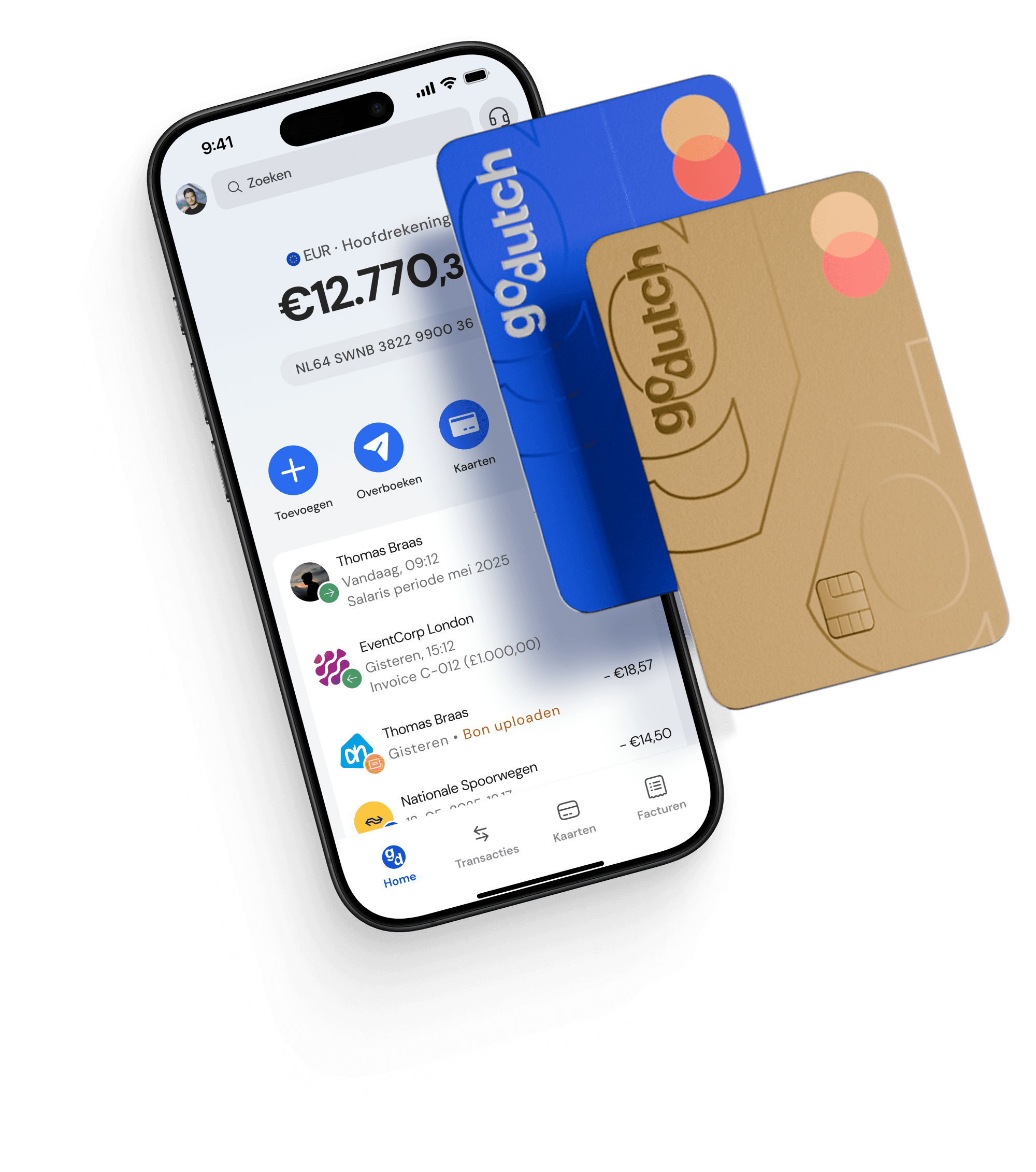
With GoDutch you create your invoice in the same place where the money comes in. GoDutch is not a bank, but an all-in-one business account, and sending invoices is simply part of the app.
You set up your logo, VAT number, Chamber of Commerce (KVK) number and address once, plus a fixed format for your invoice numbers. After that, the numbering continues automatically and the subtotal, VAT and total are calculated per line for you.
Your client receives an email on your behalf with a payment page, so they can pay straight away without typing over your account number. In the overview you can see per invoice whether it is outstanding, due within seven days, overdue or paid, and you export everything as a CSV for your bookkeeping.
See what GoDutch takes care of for you and send your next invoice including a payment link, with your VAT and your numbering automatically in order.
FAQ
Frequently asked questions about creating an invoice
Can you create an invoice yourself?
You can create an invoice yourself; no approval or special software is required. As long as all the mandatory details are included and the invoice number is sequential, a self-made invoice is just as valid as one from expensive software. Want to see what such an invoice looks like? Take a look at our invoice example.
How do you create a simple invoice?
You create a simple invoice by putting the mandatory details in a fixed layout: your details and those of your client at the top, below that the lines with description, quantity and price, and at the bottom the subtotal, the VAT and the total. Simplicity lies in the layout, not in leaving out details.
Can your bookkeeper create an invoice for you?
You can have your bookkeeper create an invoice, but in practice most entrepreneurs do it themselves. Your bookkeeper works afterwards with the invoices you send. You can, however, give them access to your records, so they can keep an eye on things and your VAT return is correct.
Can you create an invoice on your phone?
You can create an invoice on your phone with an app or online tool that already knows your invoice details. You fill in the lines, check the preview and send it straight to your client. That does not work with a template in Word or Excel, because you then need a computer to lay out the file.
How long do you have to keep an invoice?
You keep invoices for seven years, both the invoices you send and the invoices you receive. That is the statutory retention period for your records. If it concerns data relating to real estate, the period increases to ten years.
Can you create an invoice as a private individual?
As a private individual you do not create an invoice, because an invoice belongs to a business with a VAT number. If you supply something once without being an entrepreneur, you give a receipt as proof of payment. If you start supplying on a regular basis, you become an entrepreneur and register with the Chamber of Commerce (KVK).